Discover opportunities. Find the opportunities worth building, with the evidence attached
Discover is where a portfolio fills up. The Explorer searches open sources for the opportunities you describe, you add the ideas you already have, by hand or from a spreadsheet, and every claim arrives with its link and the date it was checked.
Early access is by invitation.
Write the thesis
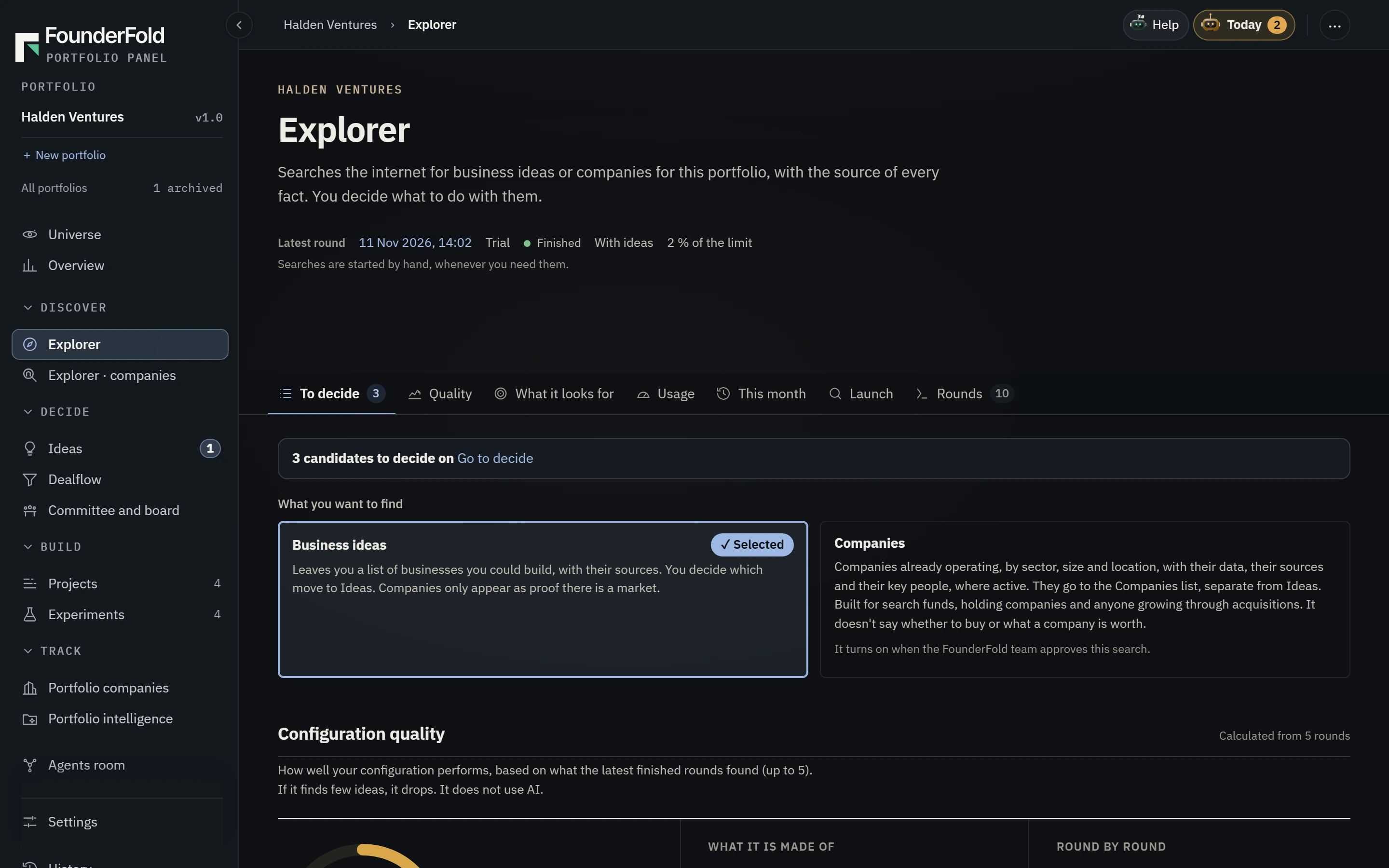
Let the Explorer search
Illustrative data — Fictional company, ideas and figures, shown for illustration only.
Result of an Explorer round in a fictional portfolio: 14 opportunities, each with its sources, the date they were checked and how many conversations repeat the same problem.
Add what she already had
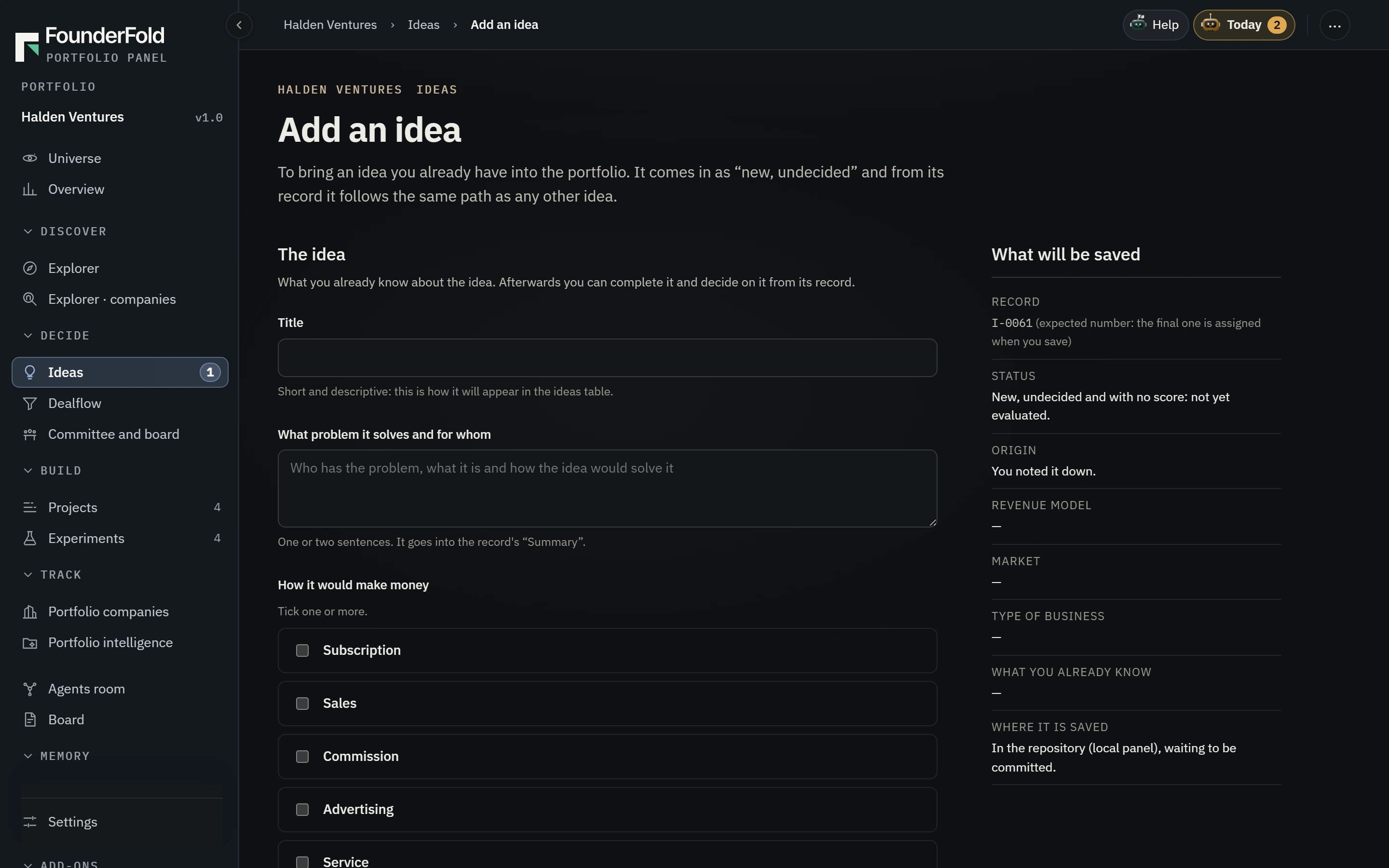
Pick what to study
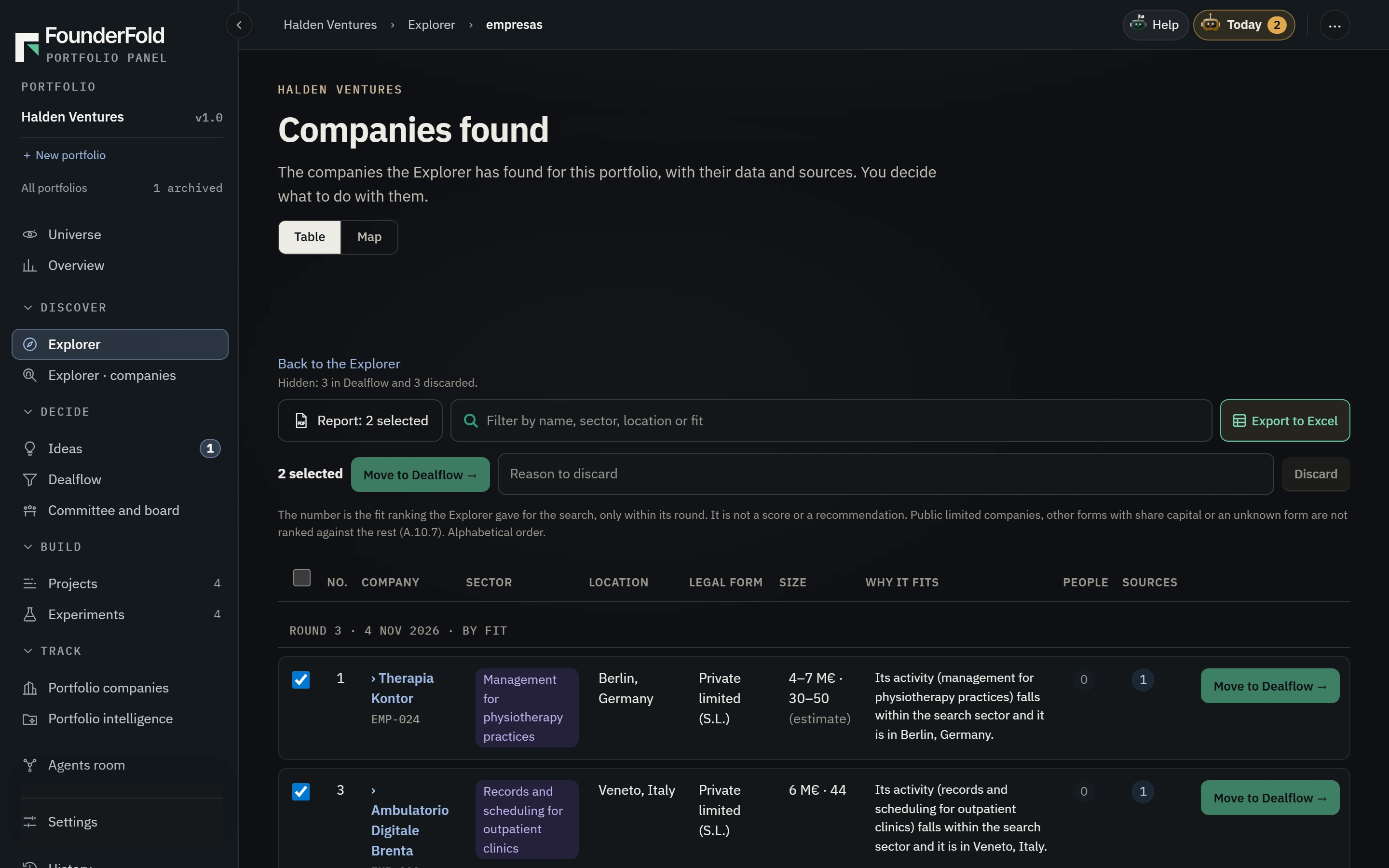
What does FounderFold do in Discover?
In Discover, FounderFold fills a portfolio with ideas worth studying. The Explorer, set up by conversation, searches open sources for problems and markets that fit your thesis and records each idea with its sources and dates. Your own ideas enter with “Add an idea” or a CSV or Excel import. No idea moves on until a person decides.
What you use in Discover
- Find opportunities
The Explorer
Tell the Explorer what you are looking for, where, at what size and what you never want to see. It searches open sources and brings back each idea with its links and the date it checked them. Forums only count how often a problem repeats, and an idea never rests on forums alone.
- Set up
Portfolio setup by conversation
Before the first search, FounderFold asks what you want to incubate and proposes priorities, reasons to discard, a scoring rubric and the sources to use. You approve them, and every change raises the configuration’s version.
- Add an idea
Add an idea
A short form for the ideas you already have: a name, the problem and who has it. It uses no AI, and the idea enters the portfolio new and undecided.
- CSV or Excel
Import from a spreadsheet
Bring a list of ideas, or of projects already running, from a CSV or Excel file. Before anything is saved, you see what will be created, row by row.
- Universe
The universe of ideas
Every idea in the portfolio as a point in a 3D universe, by status, so you can see at a glance where the search is crowded and where it is empty.
One search, from thesis to shortlist
Illustrative data — Fictional company, ideas and figures, shown for illustration only.
A solo founder looking for a software business for independent physiotherapy clinics.
Write the thesis
She tells the Explorer what she wants: software for independent clinics in Spain and Portugal, sold by subscription, and nothing that needs a medical device certificate.
Let the Explorer search
The round brings back 14 opportunities, each with its sources: threads where clinic owners repeat the same complaint, public registers of clinics and the pricing pages of existing tools.
Add what she already had
Two ideas from her notebook go in with “Add an idea”, so all sixteen sit in one portfolio and are scored with one rubric.
Pick what to study
Three ideas move on to Validate. The rest stay in the portfolio, undecided and with their sources, for the next time she looks.
Illustrative data — Fictional company, ideas and figures, shown for illustration only.
Import of a call’s CSV file: a preview of 210 rows, 208 ready to be created as ideas and 2 flagged because the name is missing, above the button “Create 208 ideas”.
Before your first search: what to have ready
A first round depends more on what you tell the Explorer than on how long it searches. Four things are worth writing down before you start.
A thesis in one sentence
Who has the problem, where they are and how they would pay. “Independent physiotherapy clinics in Spain and Portugal, paying by subscription” gives the Explorer far more to work with than “healthcare software”.
What you never want to see
Write the exclusions before the first search: regulated medical devices, a single large buyer, markets below a size you set. The Explorer leaves them out, and the same list can become your portfolio’s reasons to discard.
The ideas you already have
Add them with “Add an idea”, or bring the whole list in from a CSV or Excel file, so your ideas and the Explorer’s are scored with the same rubric.
A rule for what moves on
Agree beforehand how many ideas you will study in depth after each round, three for example. The rest stay in the portfolio, undecided and with their sources, for the next look.
Agents search. People decide what to study.
The Explorer only records ideas: it never chooses, discards or turns one into a project. Every idea it brings in says where each claim comes from, and anything it could not check is marked NOT VERIFIED.
Who Discover is for
FAQ
Keep exploring
Where does the Explorer search?
In open sources: public websites, registers, statistics, news, and open forums and communities. Forums are used only to count how often the same problem comes up: the Explorer does not keep what anyone writes or who wrote it, and it skips forums about health, religion, politics and other sensitive topics.
Can I bring in the ideas I already have?
Yes. Add them one by one with “Add an idea”, which uses no AI, or import a CSV or Excel list of ideas or running projects. You see what will be created before it is saved.
Does the Explorer decide which ideas are good?
No. It records ideas with their sources. Scoring, experiments and the decision come in Validate, and a person makes every decision.
How much AI does a search use?
Each round counts against your organization’s monthly AI limit. Before you run a round, FounderFold tells you if it could go over the share of the limit recommended for that portfolio.
Start with the opportunities you have not found yet.
Early access is by invitation.